Folder Guard is an access-control utility made for Windows. It helps users protect their files, folders, and sensitive data from unauthorized access by offering multiple protection methods, including hiding folders and files, restricting access, or applying password protection. It is particularly useful when sharing computers or working in environments with multiple people accessing the same system.
Folder Guard does not actually encrypt any data, but instead handles sensitive information by managing access. Without requiring complex encryption methods or extensive configuration, it acts purely as an access-restriction and visibility control utility to help you manage privacy locally.
Folder protection and access controls
The core functionality of Folder Guard is to allow users to protect files and directories through several methods, including hiding them from normal view, locking them with passwords, and restricting files so unauthorized users cannot open or modify them. You can also protect and restrict access to entire removable drives, such as USB flash drives and CD-ROMs.
While Windows does offer basic file-hiding by default, Folder Guard integrates directly with the OS’s file system to provide stronger protection against access attempts, blocking folder visibility from almost any program, including MS-DOS and command-line tools.
Different folders can have different access rules. This flexibility helps users create more controlled computing environments without significantly changing the normal workflow of the operating system.
Ease of use and interface
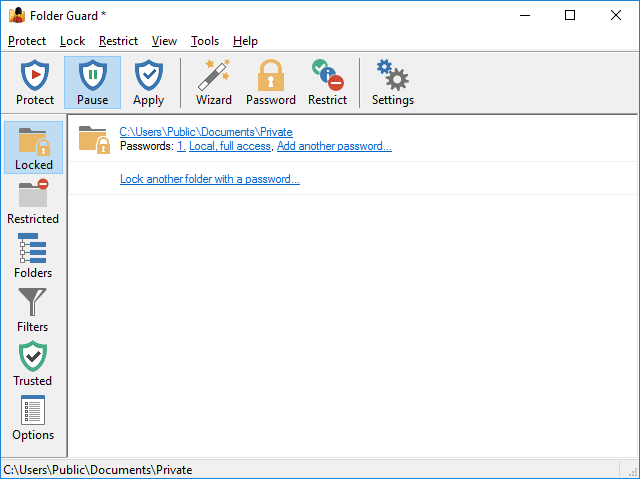
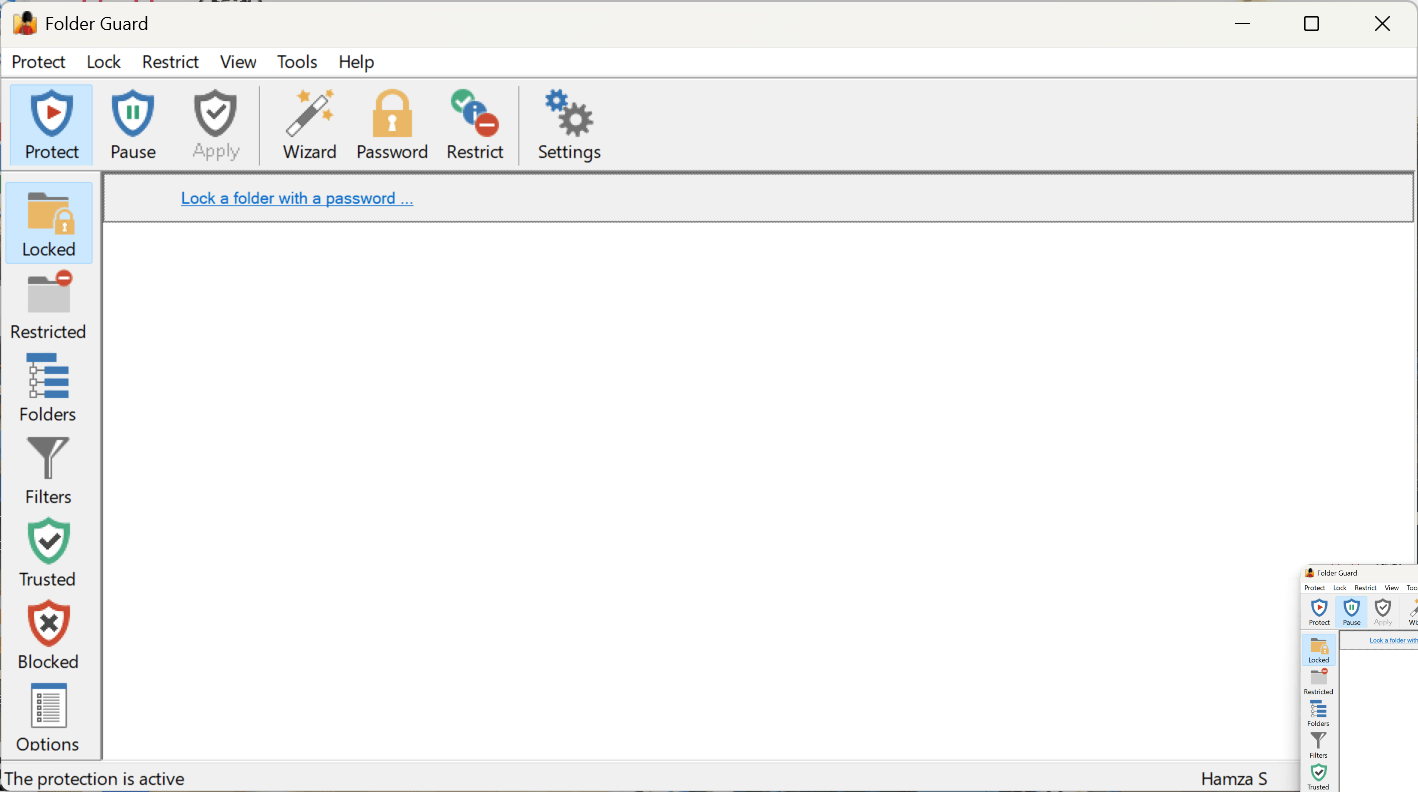
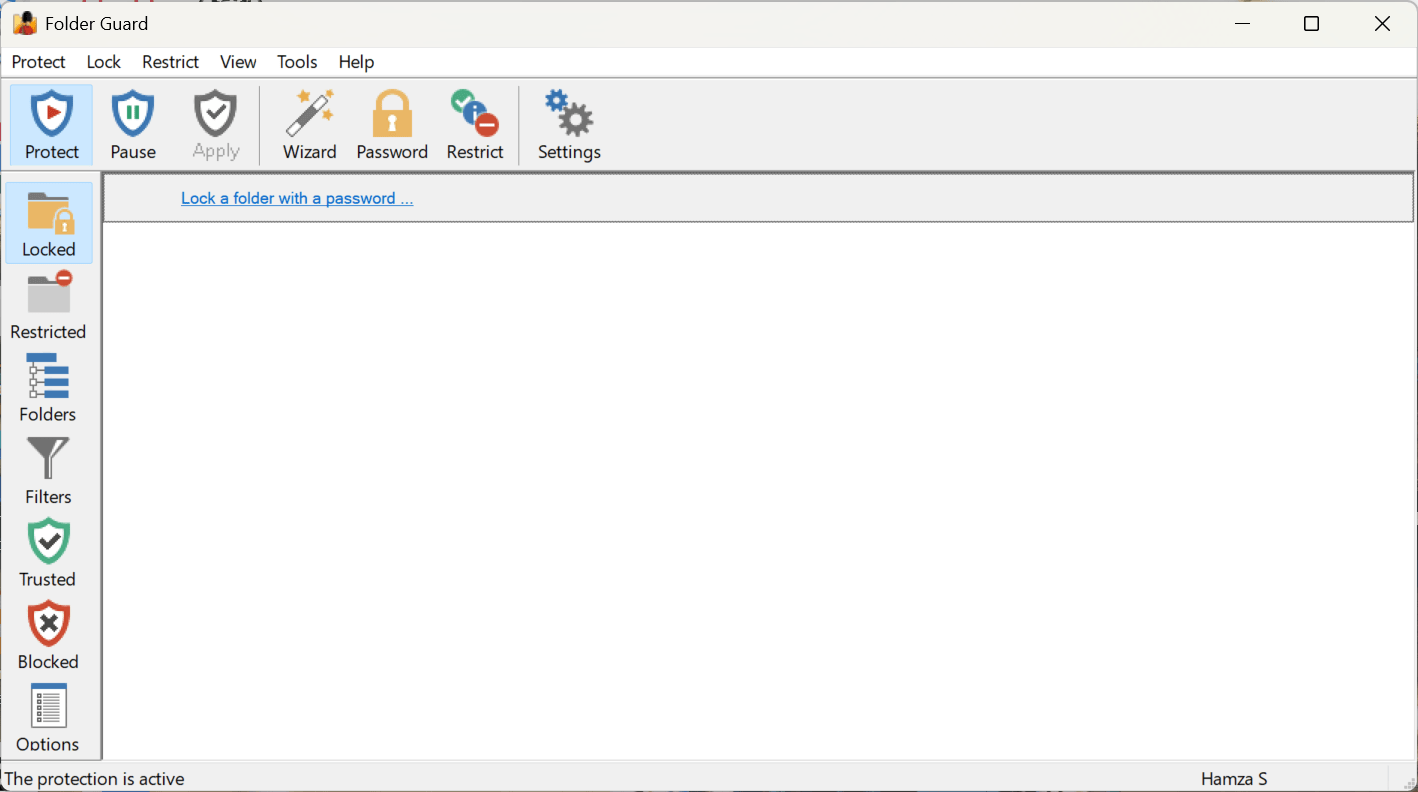
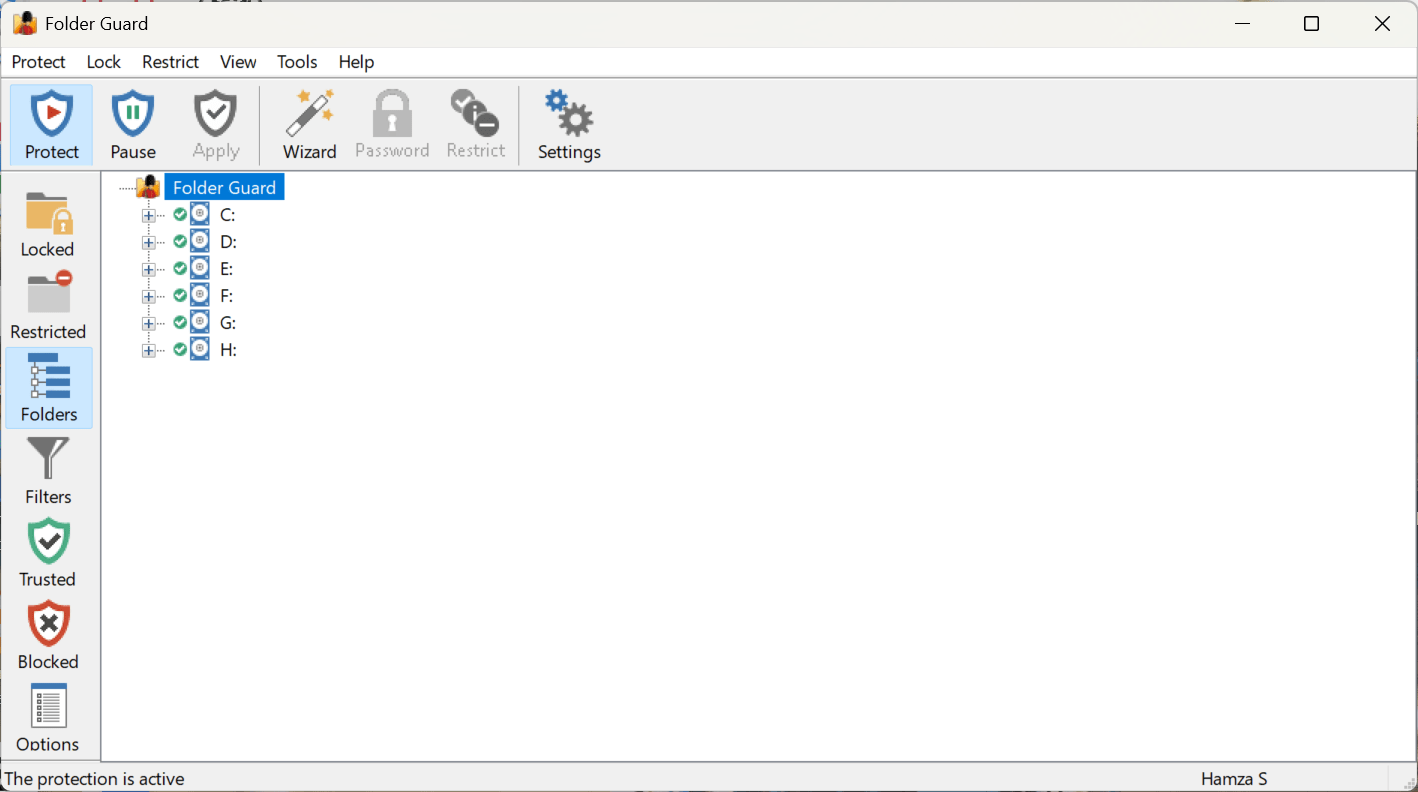
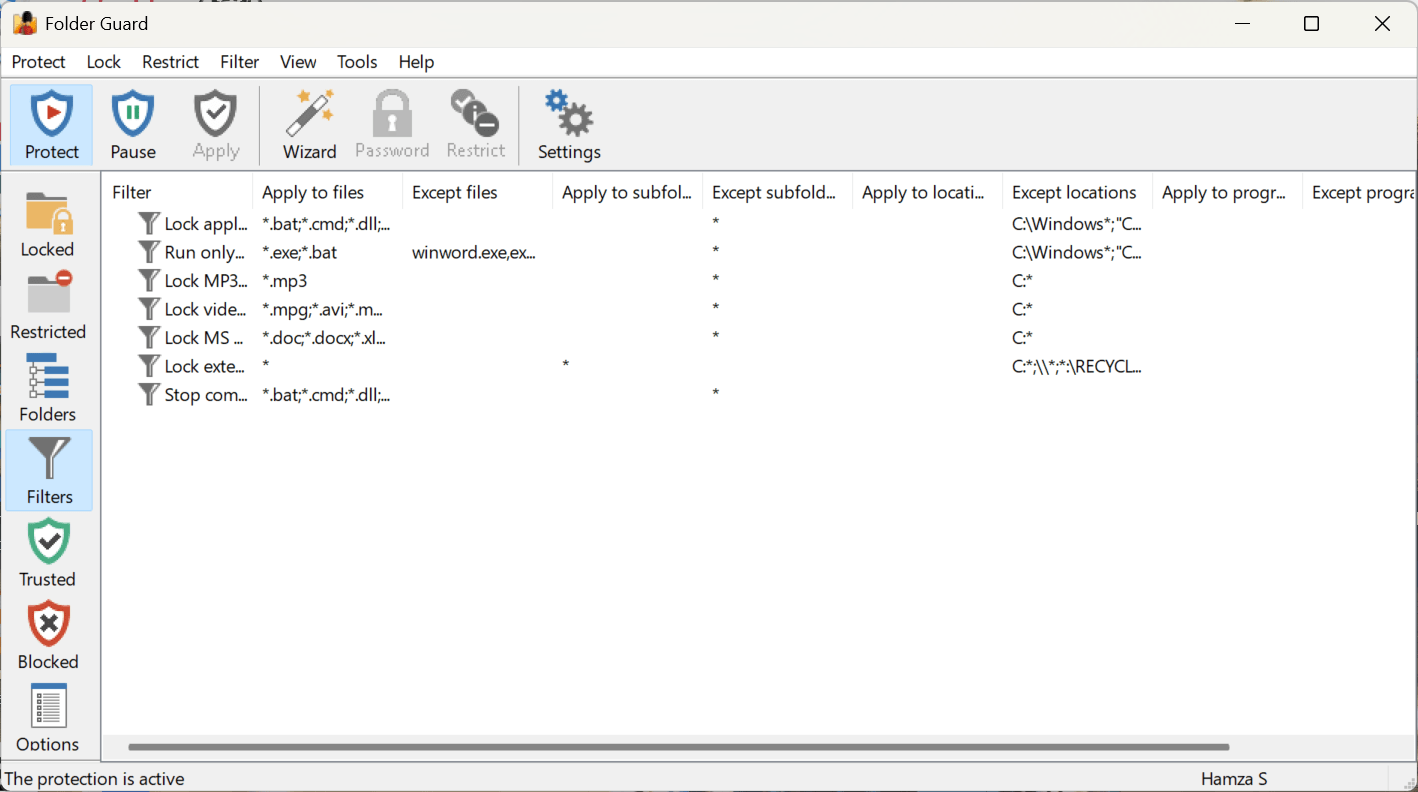
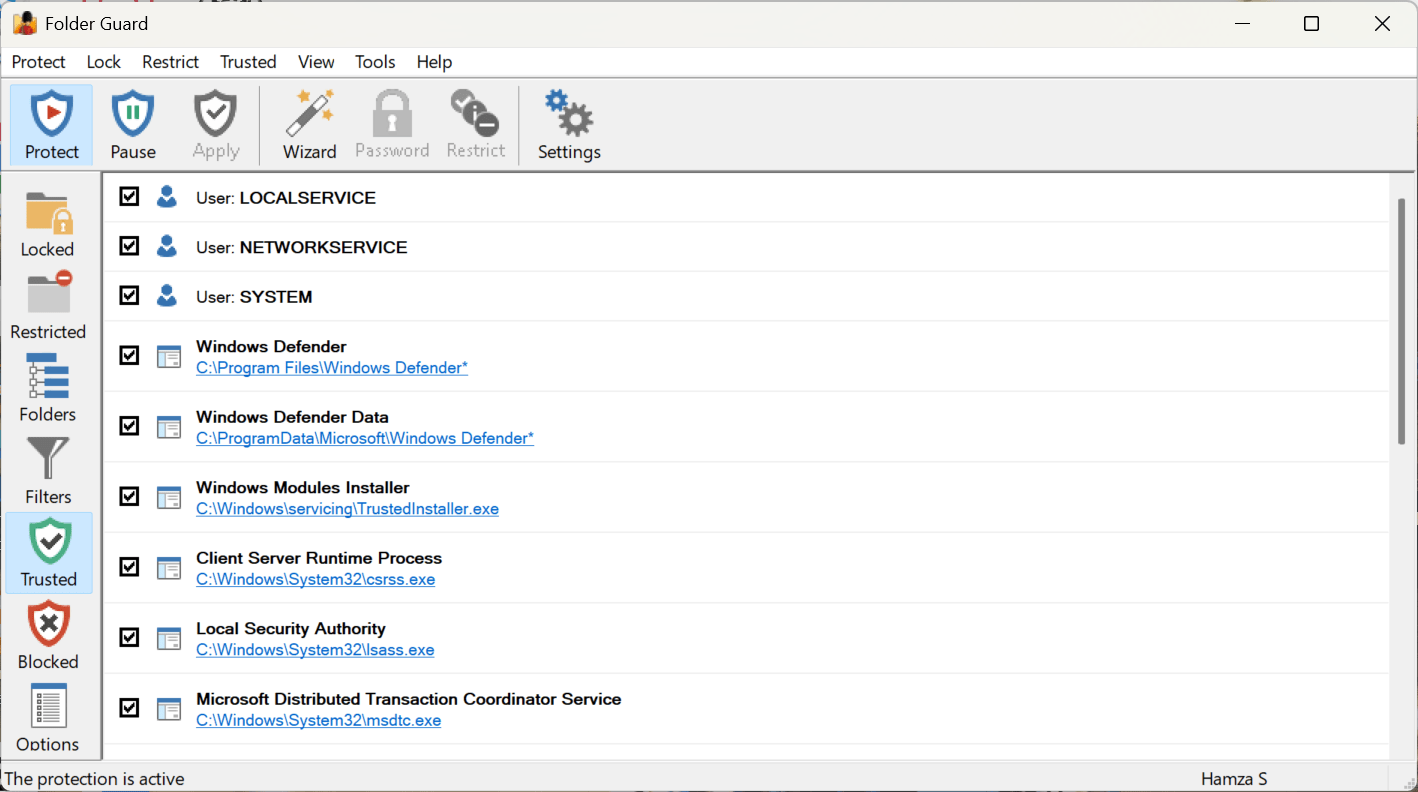
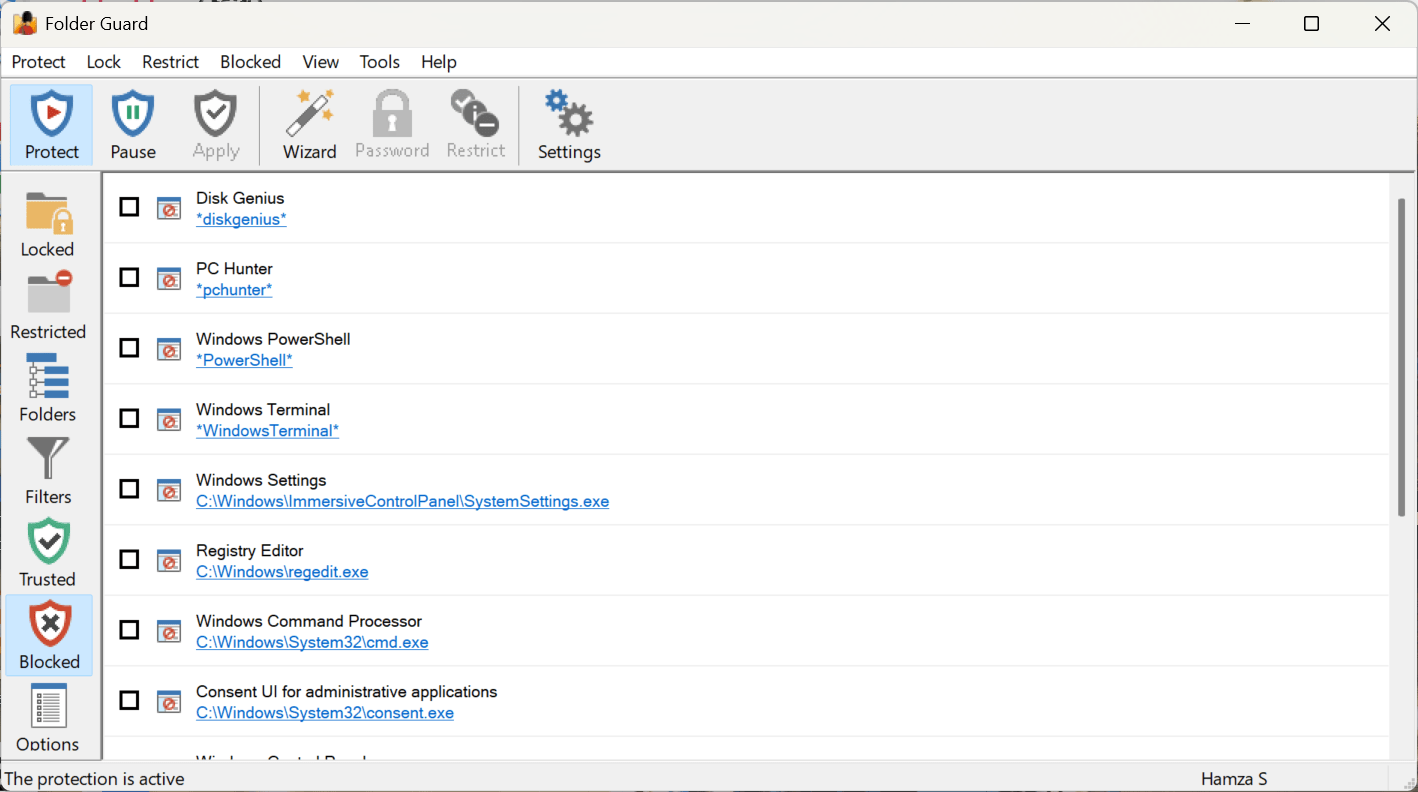
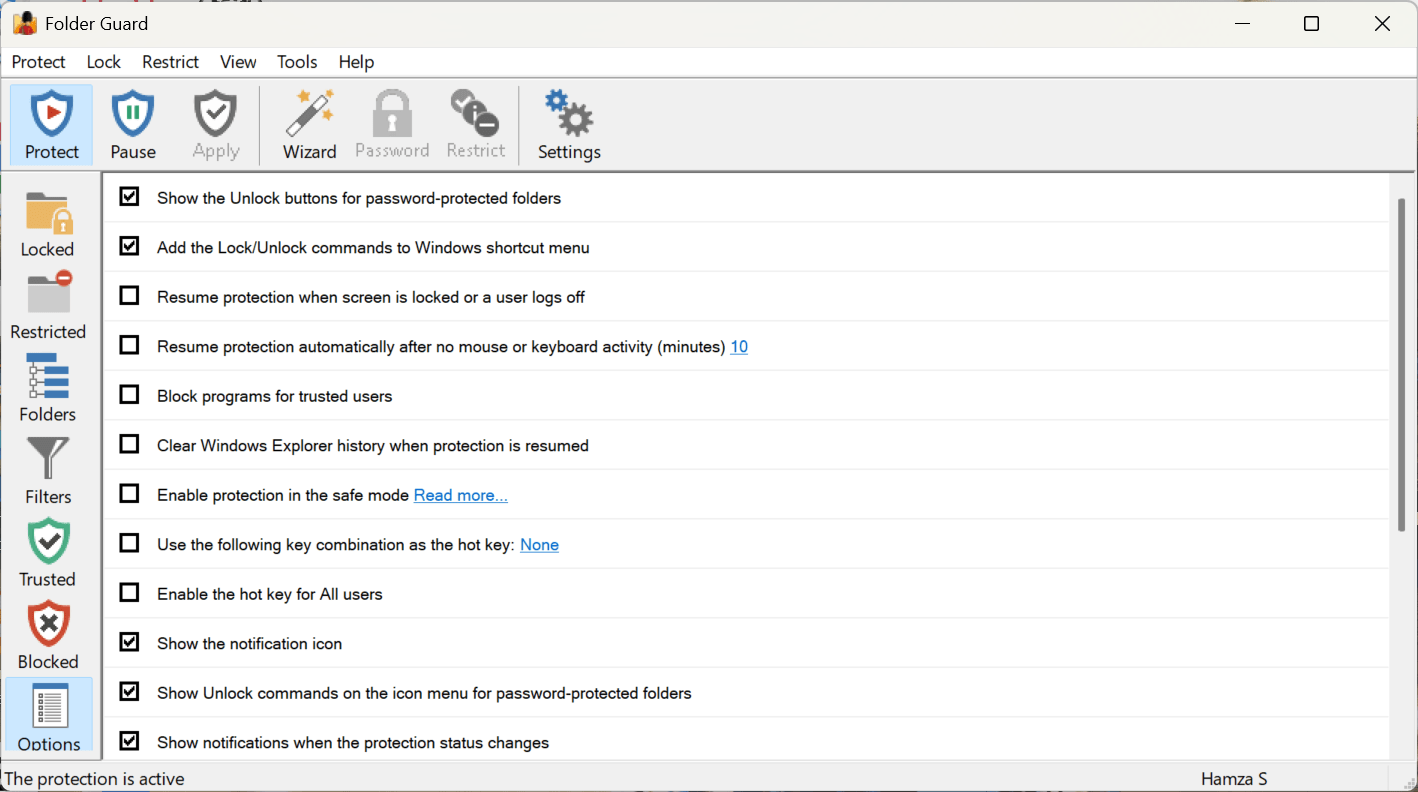
Folder Guard has a modern and straightforward user interface that organizes protection settings into clearly labeled categories that users can easily manage. Everything is available with a few clicks, making the software usable and accessible even to non-technical users.
Setup is quick, and the software is very easy to understand. Once configured, the protections operate quietly in the background without requiring constant management. The software also includes a free Emergency Recovery Utility designed to help users regain access if they forget their Master Password.
Pricing and license tiers
Folder Guard is a commercial application. It comes with a free trial and is available for purchase in three different licensing tiers:
- Home: can be used on up to 2 computers (lacks file filtering and network passwords)
- Professional: can be used on up to 3 computers
- Office: can be used on up to 10 computers and supports Windows Server
The Home edition is the most affordable, while the Office edition is designed for enterprise environments. Pricing varies based on your location and any ongoing promotions or discounts.
A flexible solution for protecting private files and folders
Folder Guard provides an effective way to secure your files, folders, and sensitive data through smart access restrictions and password protection. While users looking for full encryption will still require dedicated security software, Folder Guard is a welcome addition for anyone looking to easily manage local file privacy. Its combination of usability, flexibility, and practical security features makes it a strong option for users who want greater control over file privacy on shared or personal systems.